 F&Bos
Restaurant Accounting Software: Connect POS Data with Financial Decisions
Restaurant accounting software works best fed by clean POS data. F&Bos, a restaurant POS and management platform, records every bill, builds a Branch P&L and gives your accountant GST-ready Excel files.
What is restaurant accounting software?
Restaurant accounting software keeps a restaurant's financial records: income, expenses, taxes and profit. Two systems usually share the job.
- The POS records every sale and reports sales, stock and tax.
- Accounting software such as Tally keeps the books: ledgers, payables, bank reconciliation and statutory accounts.
F&Bos is the POS half: sales data, a Branch P&L and GST-ready exports. It does not replace your accountant's books.
Why restaurant owners need better financial visibility
- Sales in several places: till, UPI apps, card machine, aggregator statements.
- Payment totals that don't match the bills.
- Food cost seen late, after month-end figures arrive.
- GST data re-typed before every return.
Key F&Bos features for restaurant financial management
Daily and item-wise sales
Every plan. What sold, by item and day, and the average bill.
Day-end reconciliation
Cash, UPI and card checked against the bills at closing, plus a discount and void report by bill or staff member.
Food cost and stock value
With inventory, bills deduct recipes, purchases keep supplier prices, and closing stock is valued in rupees at any date you pick.
Expense entry
Record rent, utilities and other operating expenses by category.
Branch P&L
Sales, food cost, payroll and expenses down to operating profit, per outlet.
Excel and Tally exports
GSTR-1 and GSTR-3B Excel files on every plan; a Tally import file on Enterprise.
Source: F&Bos product team, 23 November 2026.
The F&Bos screens behind your numbers
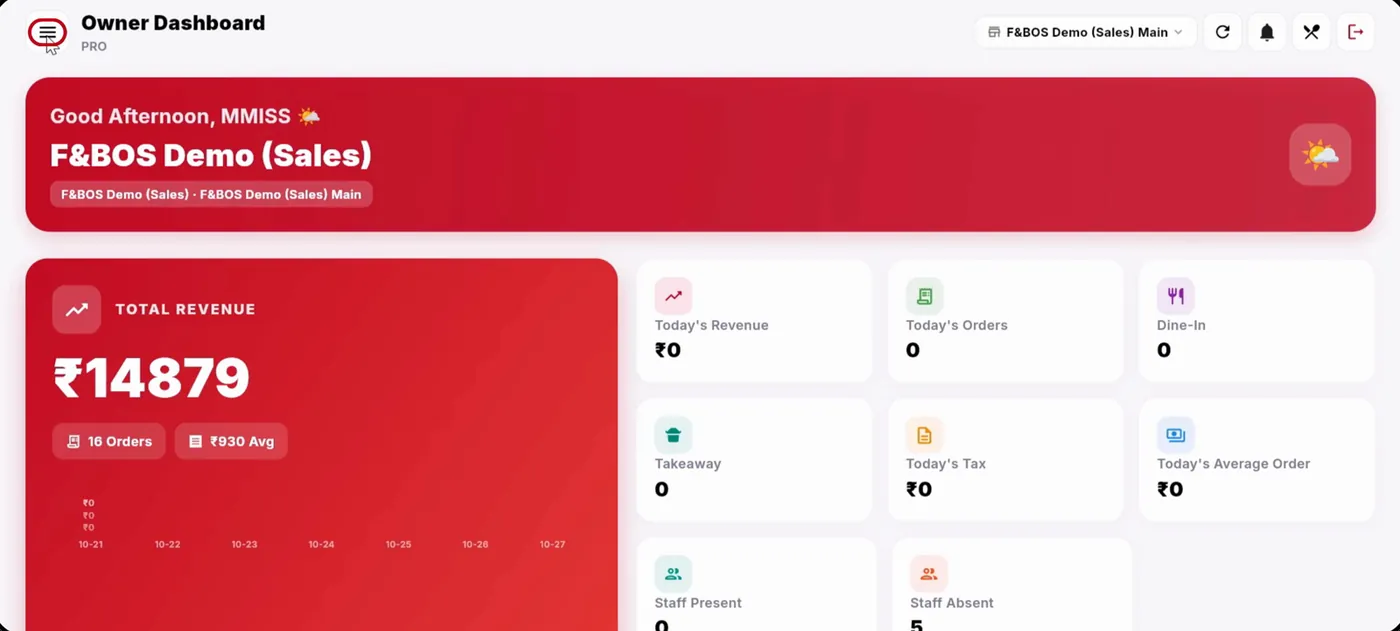
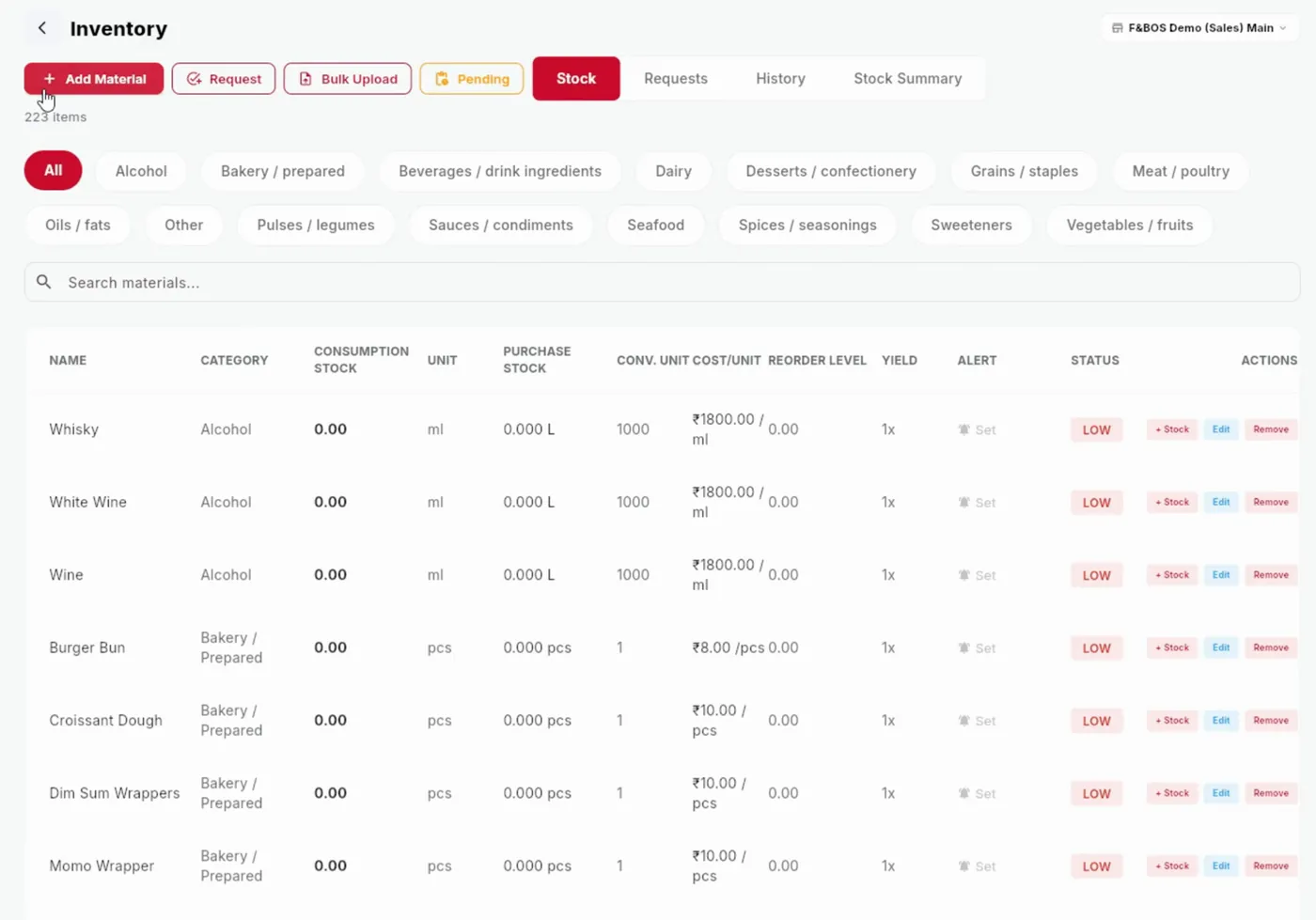
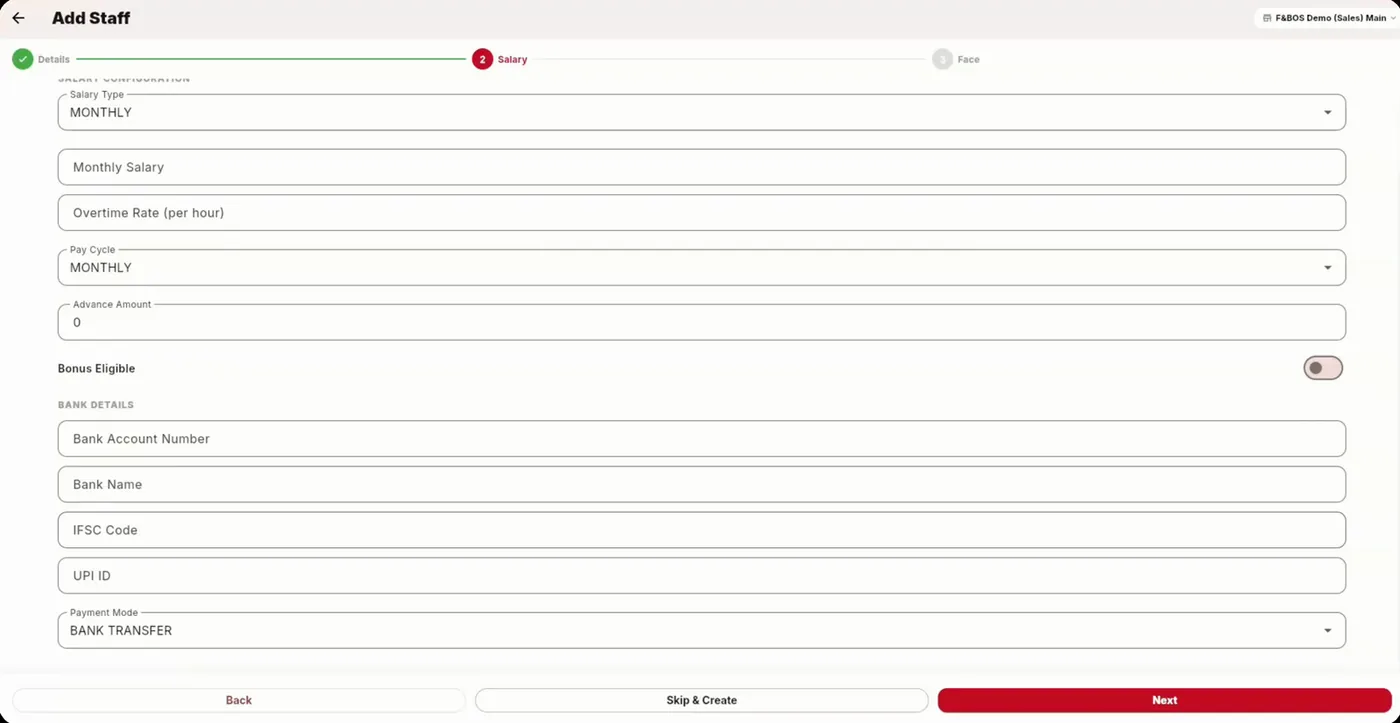
Real F&Bos screens.
What F&Bos POS covers vs what your accountant's software covers
| Financial activity | F&Bos POS | Accounting software |
|---|---|---|
| Recording sales | Every bill, with its GST split | Imports or records sales totals |
| Payment modes | Day-end reconciliation against bills | Bank reconciliation against statements |
| Purchases and stock | Supplier prices, closing stock value | Purchase ledger and stock |
| Expenses and salaries | Expense entry; payroll on Pro | Ledgers with vouchers |
| Profit and loss | Branch P&L to operating profit | Statutory profit and loss account |
| GST returns | GSTR-1 and GSTR-3B ready Excel; output tax only | Input tax credit and return preparation |
| General ledger, payables, balance sheet | Not listed | Core accounting functions |
Source: F&Bos product team, 23 November 2026. "Not listed": not a published F&Bos feature.
The POS knows what happened at the counter and in the kitchen; your accountant's software adds bank, loan and tax records to make the books.
Understanding your restaurant P&L statement
A P&L takes revenue, subtracts cost of goods sold for gross profit, then operating expenses for operating profit. Net profit comes after depreciation, interest and income tax.
| Particulars | Amount |
|---|---|
| Net sales | ₹5,00,000 |
| Cost of goods sold | ₹1,75,000 |
| Gross profit | ₹3,25,000 |
| Staff expenses | ₹1,00,000 |
| Rent | ₹60,000 |
| Utilities | ₹20,000 |
| Other operating expenses | ₹45,000 |
| Operating profit | ₹1,00,000 |
Illustrative example only, not an actual F&Bos report. It stops at operating profit and leaves out depreciation, interest and tax.
The F&Bos Branch P&L covers the same lines down to operating profit, from your bills, recipes and stock, payroll and entered expenses. Net profit stays with your accountant. For every line explained, see how to read a restaurant P&L.
GST reports for restaurants: what F&Bos provides
GSTR-1 reports outward supplies; GSTR-3B summarises tax payable after input tax credit. A POS knows your sales, not your purchase bills, so it prepares the sales side.
| GST function | F&Bos | Details |
|---|---|---|
| Tax on bills | Every plan | Rate by order type, CGST/SGST split, GSTIN, SAC code |
| B2B bills | Supported | Customer GSTIN; e-invoicing (IRN, QR code) |
| GSTR-1 export | Excel, every plan | Outward supplies from your bills |
| GSTR-3B export | Excel, every plan | Output tax only; your CA adds input tax credit |
| Return filing | Not listed | You or your CA file on the GST portal |
Source: F&Bos product team, 23 November 2026.
See our GST on restaurant guide and GSTR exports. Not tax advice; check filing with a qualified accountant.
Export restaurant financial data to accounting tools
| Destination | How | Data | Plan |
|---|---|---|---|
| Excel | Download | GSTR-1 and GSTR-3B ready files | Every plan |
| Excel | Download for a date range | Sales and other reports | Pro, Enterprise or ₹3,000 pack on Basic |
| Tally | Tally import file (XML) your accountant imports | Sales | Enterprise |
Source: F&Bos product team, 23 November 2026.
The Tally route is a file, not a live sync, so nothing is re-typed. No other accounting integration is listed. Payroll exports separately (see restaurant payroll software).
How F&Bos supports restaurant accounting workflows
Bills, payments, purchases, expenses
Sales, stock, payroll, expenses
Day-end, Branch P&L, GST summary
Excel files; Tally import file on Enterprise
Ledgers, returns, accounts
- Bill as usual, with GST and payment mode on each sale.
- Close the day against cash, UPI and card.
- Enter purchases and expenses to keep the Branch P&L current.
- Export at month end.
- Your accountant adds input tax credit, posts the books and files returns.
Restaurant financial reporting for different business types
Independent restaurants: daily sales and the day-end close on the owner's phone.
Cafés: many small UPI bills matched to the day. See café POS software.
Multi-outlet groups: a Branch P&L per outlet on the Enterprise dashboard. See multi-outlet management.
Finance teams: monthly GST and sales files, with an audit log of every edit.
F&Bos restaurant financial reporting software pricing
| Plan | Reporting | Exports | Per outlet per year |
|---|---|---|---|
| Basic | Daily and item-wise sales; advanced reports in the ₹3,000 pack | GSTR-1 and GSTR-3B Excel | ₹6,000 |
| Pro | Advanced reports, inventory, payroll | Plus reports to Excel | ₹15,000 |
| Enterprise (3+ outlets) | Pro plus multi-outlet dashboard | Plus Tally import file | ₹24,000 |
Source: F&Bos pricing, 23 November 2026. Plus 18% GST. Plans for Branch P&L, expense entry and day-end reconciliation: ask in your demo.
F&Bos financial reporting vs manual restaurant records
| Area | Manual records | F&Bos |
|---|---|---|
| Daily summary | Added up at closing | Daily and item-wise reports |
| Payment modes | Counted by hand | Day-end reconciliation |
| Food cost | From invoices at month end | From recipes and stock (with inventory) |
| GST data | Re-typed for the CA | GSTR-1 and GSTR-3B Excel files |
| Cost | Free | From ₹6,000 a year + GST |
A notebook suits a small counter.
Frequently asked questions about restaurant accounting software
What is restaurant accounting software?
Software for a restaurant's financial records. The POS records sales and operating costs; accounting software such as Tally keeps the books.
Can restaurant POS software replace accounting software?
Not fully. Ledgers, payables, bank reconciliation and statutory accounts stay in your accounting software.
Does F&Bos generate restaurant P&L reports?
Yes. The Branch P&L covers sales, food cost, payroll and entered expenses, down to operating profit.
Can F&Bos provide GST reports for restaurants?
Yes: GST on every bill and GSTR-1 and GSTR-3B Excel exports on every plan. See GSTR exports.
Does F&Bos support GSTR-1 and GSTR-3B exports?
Yes, as Excel files. GSTR-3B covers output tax only; your CA adds input tax credit and files the return.
Can F&Bos export restaurant sales data to Tally or Excel?
Yes. Reports export to Excel on Pro and Enterprise (or the ₹3,000 pack on Basic); Enterprise adds a Tally import file (XML).
What financial reports are available in F&Bos?
Sales, day-end, discounts and voids, food cost, stock value, expenses, Branch P&L and GST exports.
How can I book a demo of F&Bos restaurant management software?
Book a free 20-minute demo or WhatsApp +91 79803 72217.
Turn restaurant sales data into better financial visibility
See your sales, food cost and Branch P&L in a free 20-minute demo, or explore F&Bos features.
Book Your Free Demo →Free 20-minute demo · Free self-setup, or assisted setup from ₹2,000 · WhatsApp: +91 79803 72217